

Perplexity with n8n
Overview
Section titled “Overview”n8n ships a native Perplexity node with Agent, Search, and Embeddings resources — all configurable from the visual canvas. Models load dynamically from the API, so the dropdown always reflects the latest options.
The node supports three resources:
- Agent — Third-party models (OpenAI, Anthropic, Google, xAI) with tool-calling and structured output
- Search — Raw ranked web results for your own processing
- Embeddings — Vector generation for RAG and retrieval pipelines
Prerequisites
Section titled “Prerequisites”- n8n 2.14.0+ (cloud at app.n8n.cloud or self-hosted)
- A Perplexity API key
Get API Key
Generate your Perplexity API key from the console.
Credential Setup
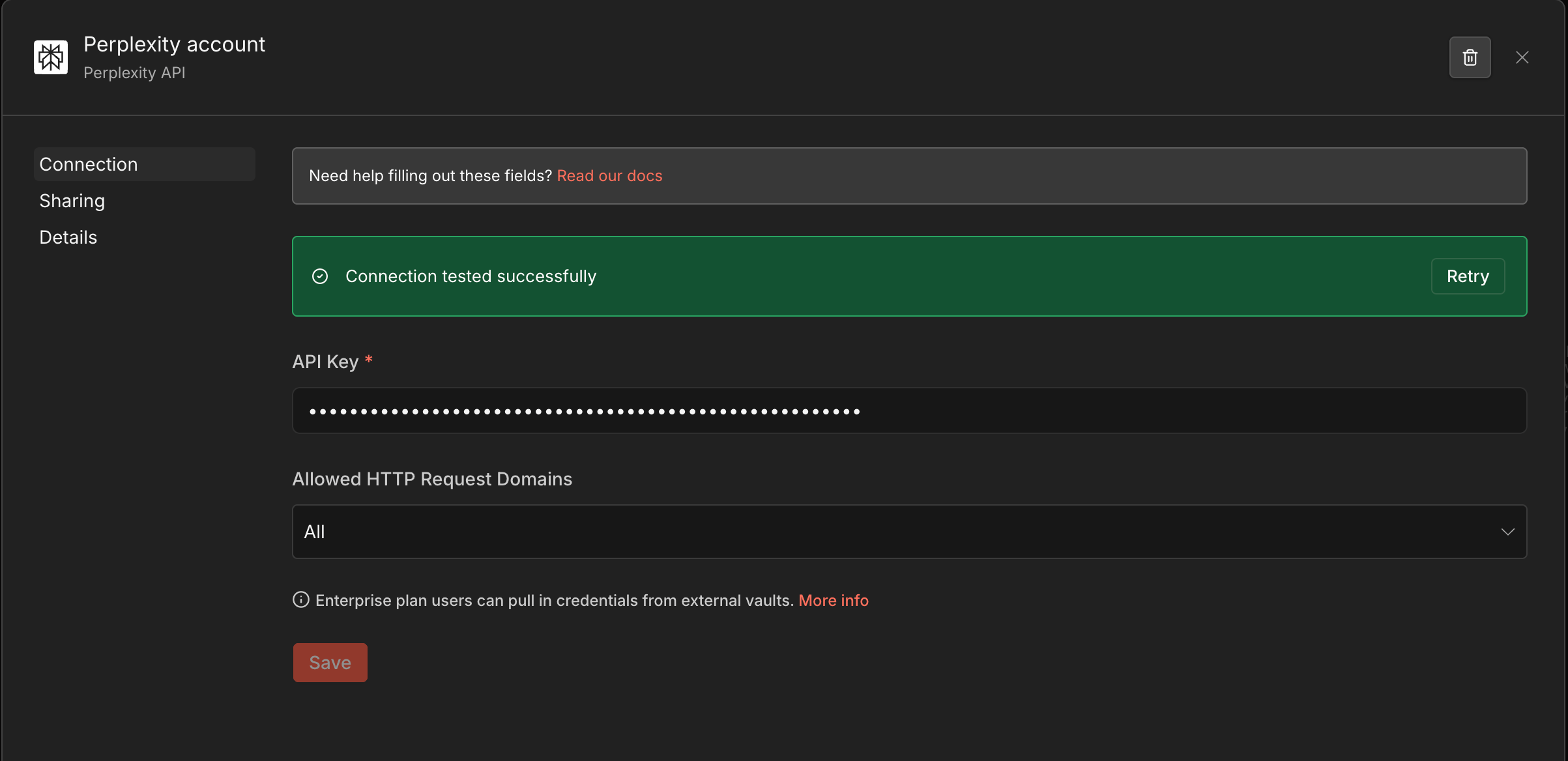
Section titled “Credential Setup”Open Credentials
In n8n, go to Settings → Credentials → Add credential.
Select Perplexity
Search for Perplexity API and select it.
Add Your Key
Paste your API key and save. The node will reference this credential automatically.
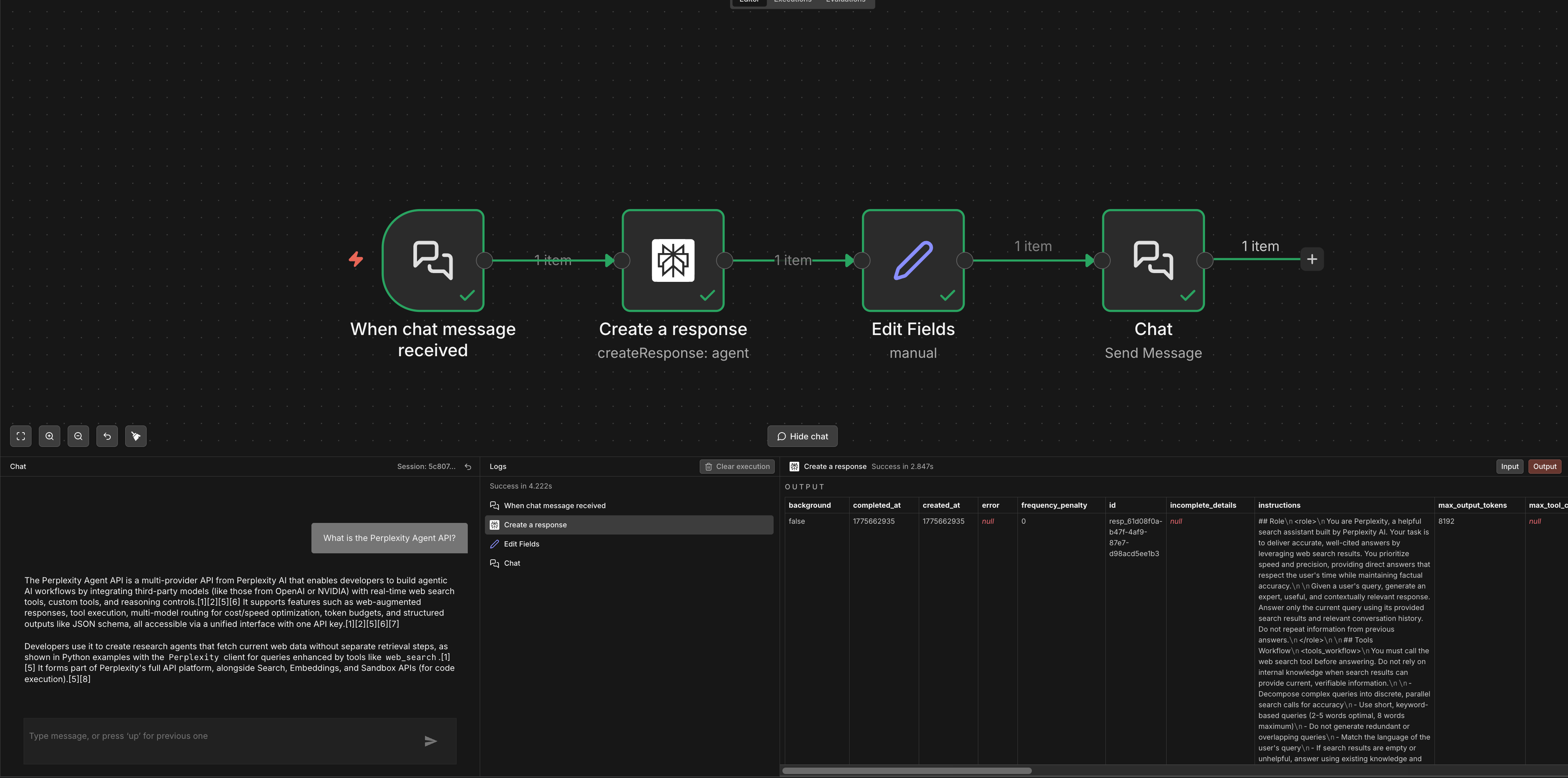
Use the Agent resource to route through third-party models (OpenAI, Anthropic, Google, xAI) with Perplexity's web_search and fetch_url tools.
Set Resource to Agent and configure:
| Parameter | Description |
|---|---|
| Model | Any model from the dynamic dropdown (e.g., openai/gpt-5.5, anthropic/claude-sonnet-4-6) |
| Input | Your prompt — supports n8n expressions |
| Tools | Select web_search, fetch_url, or both |
| System Instructions | Optional system prompt for the agent |
| Response Format | Optional JSON schema for structured output |
Search
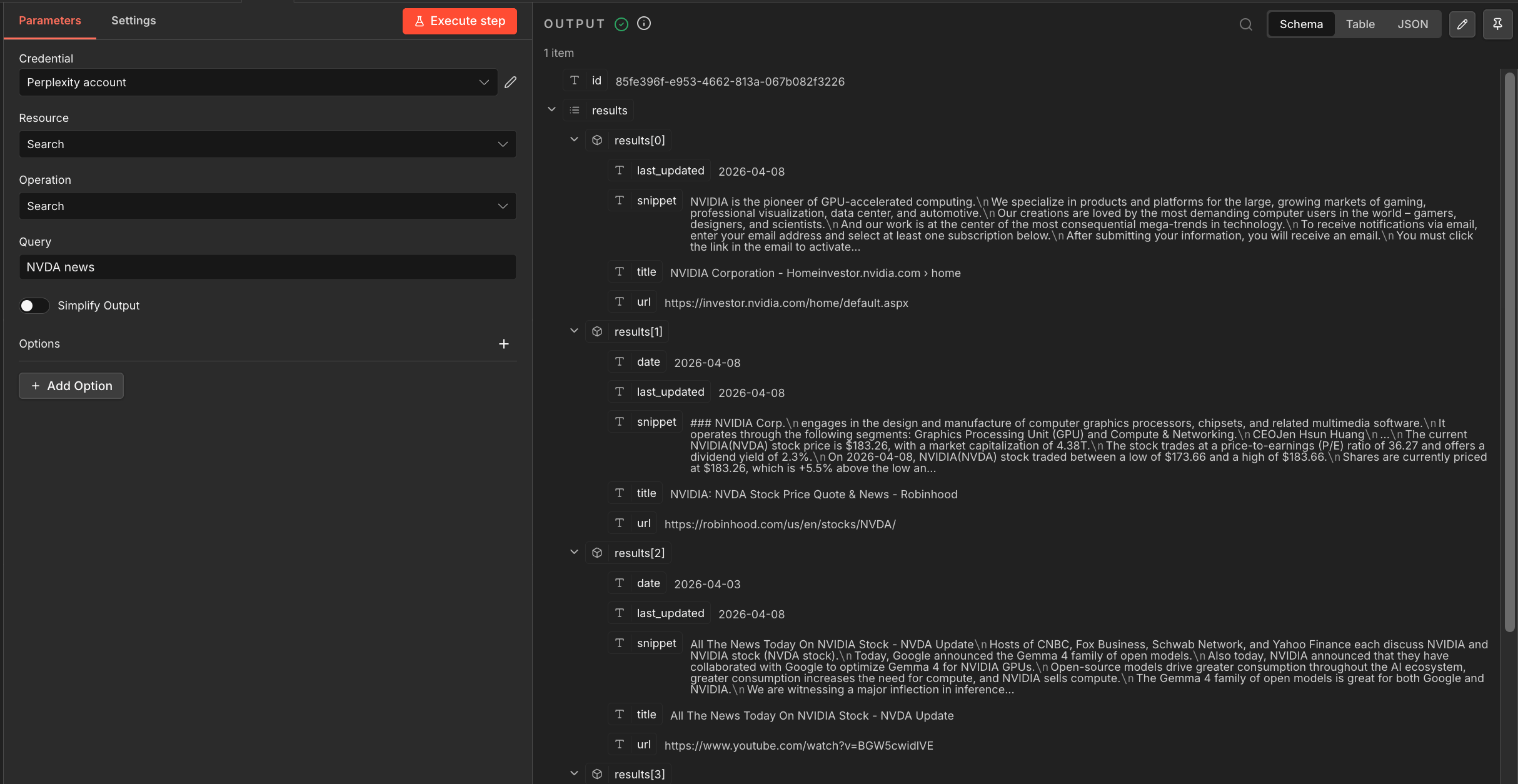
Section titled “Search”Get raw ranked web results without LLM processing. Set Resource to Search:
| Parameter | Description |
|---|---|
| Query | The search query — supports n8n expressions |
| Recency | day, week, month, or year |
| Domain Filter | Limit to specific domains |
| Language | ISO 639-1 language code |
| Country | Two-letter country code |
Each result includes title, url, snippet, and date.
Embeddings
Section titled “Embeddings”Generate vectors for RAG and retrieval pipelines. Set Resource to Embeddings:
| Parameter | Description |
|---|---|
| Model | pplx-embed-v1-4b (2560 dims) or pplx-embed-v1-0.6b (1024 dims) |
| Input | Text to embed — supports n8n expressions |
The node also supports contextual embeddings via POST /v1/contextualizedembeddings for document-chunk-aware vectors.

Error Handling
Section titled “Error Handling”Use n8n's Error Trigger workflow or the built-in Retry on Fail setting (node settings → Retry on Fail) to handle transient errors:
- 429 Too Many Requests — add a Wait node with exponential backoff before retrying
- 401 Unauthorized — verify your Perplexity API credential is saved correctly
- 500 errors — enable Retry on Fail in the node settings